1Download the templates
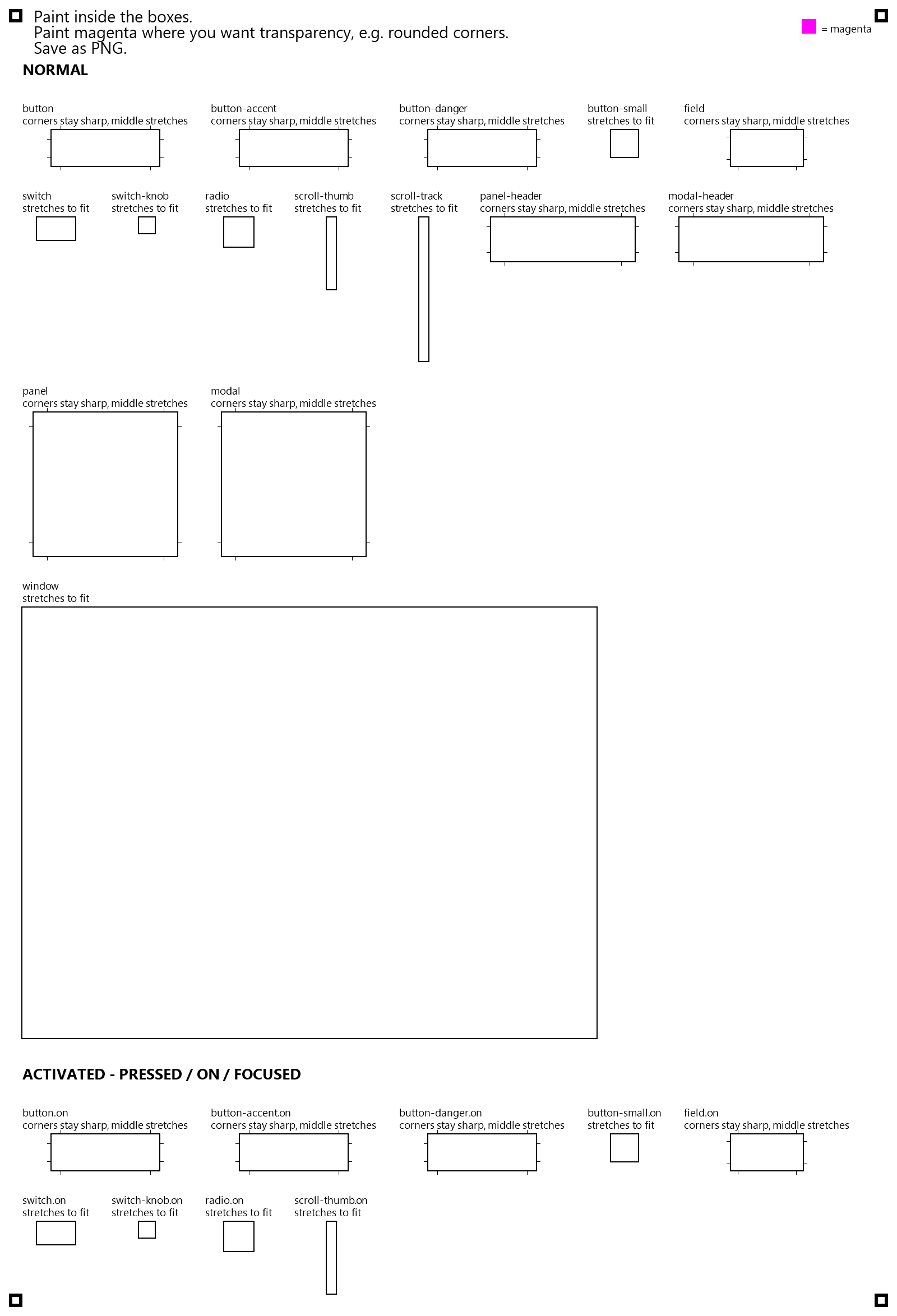
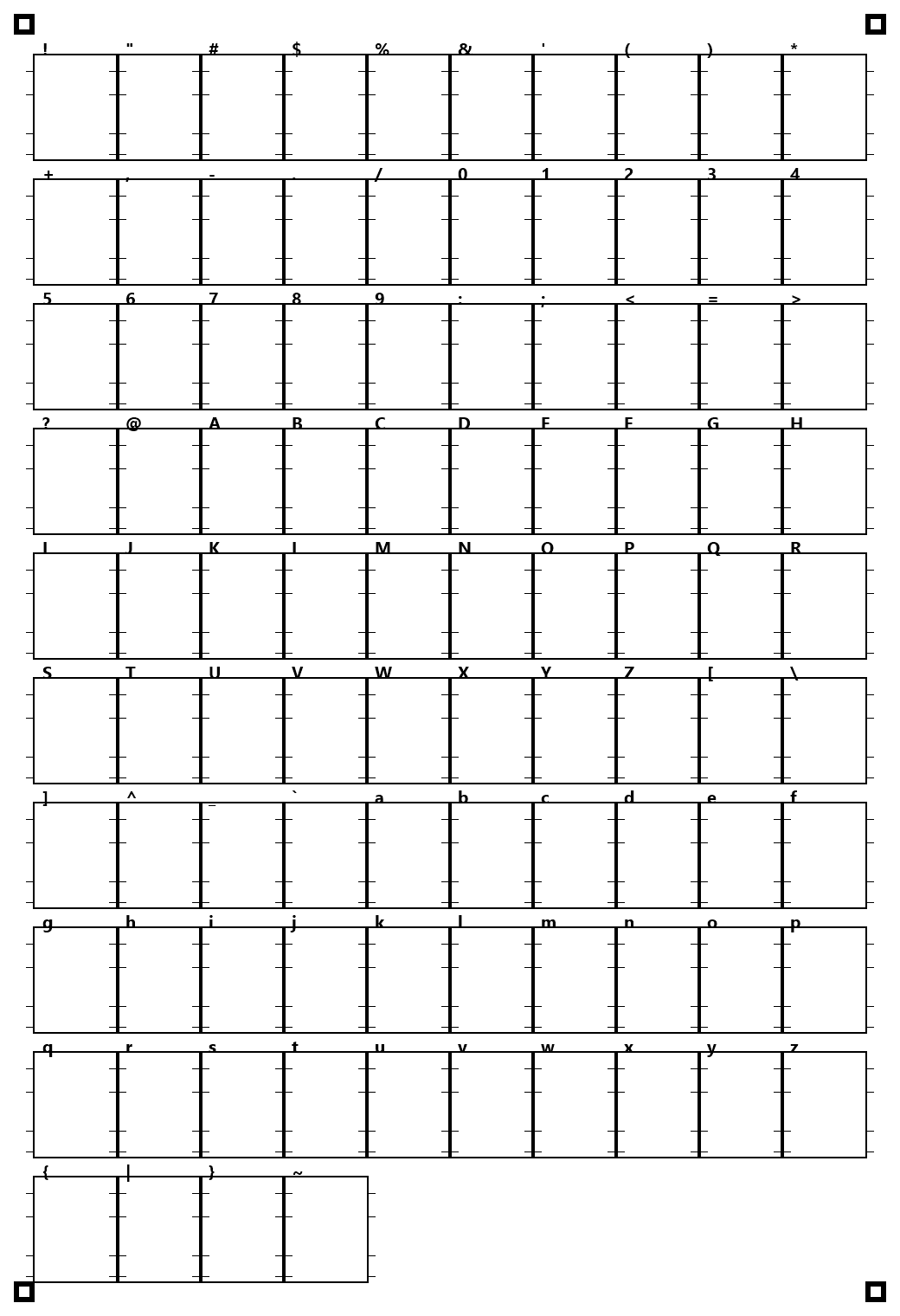
Both templates are black and white, with one box or cell per piece/character and a black square-in-a-square alignment mark in each of the 4 corners — the maker uses those marks to find your art, so a resized copy, a small crop, or a slightly rotated photo all still work. The UI sheet has a NORMAL half and, below it, an ACTIVATED half (pressed / on / focused) for the pieces that have one. Paint magenta (shown in the legend) anywhere you want transparency, e.g. rounded corners — it gets cut away automatically. Leave a box or cell untouched (white) and that piece just falls back to plain colours.
2Upload your painted UI sheet
Optional, but at least one of this and step 3 is required. A resize, a small crop, a slight rotation, or a JPEG all work — the 4 corner marks are what the maker actually reads.
3Upload your painted font sheet
Optional. Fewer than 10 legible characters and the skin just keeps the app's normal font.
4Colours & name
Prefilled from your painted sheet where possible — adjust anything.
5Live preview
The same CSS the real app uses for a skin, applied to a mock panel.
ABCDEFGHIJKLM abcdefghijklm !@#$%^&*()
NOPQRSTUVWXYZ nopqrstuvwxyz {}[]<>-+=